
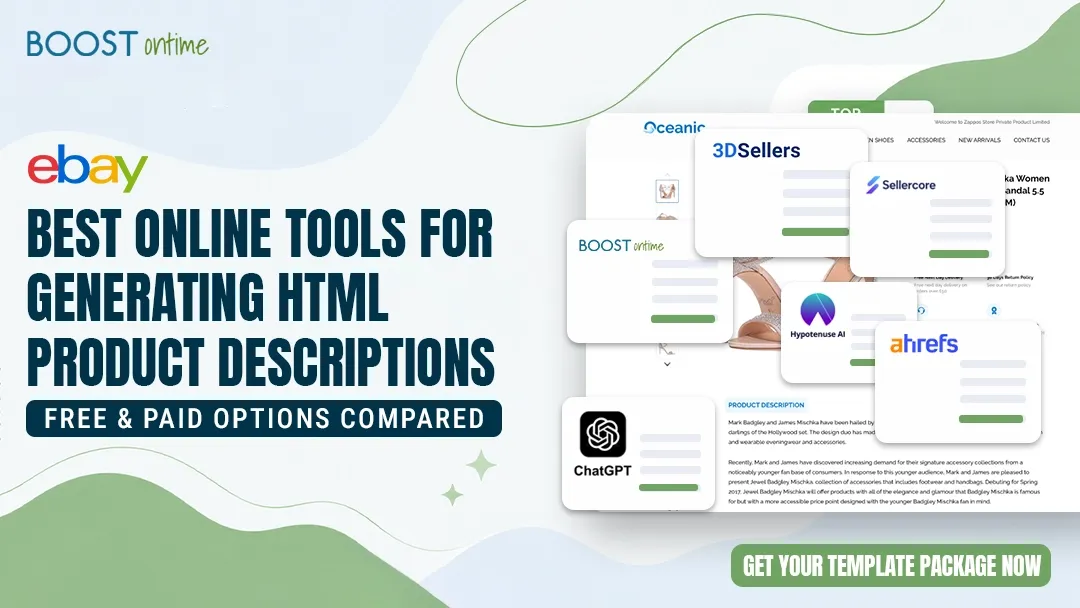
The best online tools for generating HTML product descriptions fall into two camps — AI writers that produce the copy, and visual builders that produce the styled layout. This guide compares the top options for eBay, Shopify, and Amazon sellers, so you pick the right one in minutes.
What “HTML Product Description Tools” Actually Mean
The phrase “online tools for generating HTML product descriptions” sounds like one category, but it actually covers two very different jobs. Some tools generate the words — the persuasive, SEO-friendly copy that sells the product. Others generate the layout — the styled HTML block with headers, image galleries, spec tables, and branding that buyers actually see on the page. Knowing which job you need solved is the fastest way to pick the right tool.
AI writers like Copy.ai, Jasper, and Ahrefs’ free generator are excellent at turning a few product details into clean, readable copy with bold text and bullet lists. Visual builders like BoostOntime, 3Dsellers, and Sellercore are built for the other half: they let you design a full description template and export ready-to-paste HTML, with no coding involved. Many serious sellers end up using one of each.
💡 Key Takeaway: “HTML product description tools” split into AI copy writers and visual layout builders. Writers handle the text; builders handle the design and the actual HTML code you paste into your listing.
AI Copy Writers
Generate the text — features, benefits, and SEO keywords — with basic HTML formatting like bold and bullets. Great for filling blank descriptions fast.
Visual HTML Builders
Generate the full styled layout: headers, image blocks, spec tables, policies, and branding. Output is clean HTML you paste straight into a listing.
Bulk Platforms
Apply a single design or AI prompt across hundreds of products at once — essential once your catalog grows beyond a handful of items.
Mobile-First Output
Since most shoppers browse on phones, the best tools produce responsive HTML that adapts cleanly to mobile, tablet, and desktop.
What to Look For Before You Choose a Tool
Not every HTML product description generator is built for selling. A tool that spits out pretty code but breaks on mobile, or one that writes nice copy you still have to hand-format, can cost you more time than it saves. Before you commit, weigh a few practical factors that separate hobby tools from genuine selling tools.
Free tools vs paid builders: where the real difference shows
Free generators are perfect for a one-off listing or testing an idea. Paid builders earn their keep the moment you’re managing more than a handful of products — they add bulk apply, mobile testing, brand consistency, and marketplace compliance that free tools usually skip. Here’s how the two stack up on the things that matter most.
The Best HTML Product Description Tools, Reviewed
We tested each tool on three things: how easy it is to go from product details to finished HTML, how the output looks on mobile, and whether it scales when your catalog grows. Here are the standouts, starting with the strongest all-round pick for marketplace sellers.
BoostOntime is built specifically for sellers who want professional, mobile-responsive HTML descriptions without touching code. It imports your existing listing data — title, images, item specifics, and description — strips out old, messy HTML, and applies a fresh template you can customize to match your brand. The standout feature is one-click bulk apply: design once, push to many listings instantly.
✓ What We Like
- No HTML knowledge needed
- Auto-imports listing data
- Mobile-responsive templates
- 1-click apply across listings
✗ What’s Missing
- Focused on eBay sellers
- Not a standalone AI copywriter
3Dsellers offers a genuinely free drag-and-drop designer that generates eBay-ready HTML in one click. You pick a column layout or start from a pre-made template, style it visually, preview across devices, then copy the code into eBay’s editor. It’s a strong starting point before you scale into their wider platform.
✓ What We Like
- Free, no credit card
- Live device preview
✗ What’s Missing
- Manual paste per listing
- Bulk features are paid
Sellercore is a flexible eBay HTML generator that handles the coding for you while still giving advanced users a full CSS editor with syntax highlighting. You can start from a pre-made template, build from scratch, or import existing code, then use the live preview to fine-tune before copying the output into eBay.
✓ What We Like
- Beginner and pro friendly
- Full CSS control if wanted
✗ What’s Missing
- Interface can feel dated
- Less guided than newer tools
Hypotenuse AI is built for scale. It imports product data via CSV or a direct store connection, applies SEO keywords, and generates original descriptions in bulk — with custom formatting like tables and bullets, and the ability to pull missing details from product images or the web. Ideal if you’re writing copy for hundreds of SKUs across Shopify, Amazon, or Walmart.
✓ What We Like
- True bulk generation
- Brand-voice matching
✗ What’s Missing
- Generates copy, not full layouts
- Costlier than simple writers
Ahrefs offers a free product description generator that turns a short prompt or product image into compelling copy with adjustable tone. It won’t design a full styled template, but it’s a fast, no-friction way to draft the text portion of a description before you drop it into a builder.
✓ What We Like
- Free and instant
- Tone control built in
✗ What’s Missing
- Copy only, no layout
- Needs editing for accuracy
General-purpose assistants like ChatGPT and Claude can write product descriptions and even output basic HTML if you ask for it — bold text, headings, bullet lists, and simple tables. They give you the most flexibility on wording, but you’ll do the formatting and quality-checking yourself, which makes them best for small catalogs or one-off prototyping.
✓ What We Like
- Endless flexibility
- Can output raw HTML on request
✗ What’s Missing
- No bulk workflow
- No design or compliance layer
How to Generate an HTML Product Description, Step by Step
Whichever tool you choose, the workflow is similar. Here’s the fastest path from raw product details to a finished, paste-ready HTML description.
Gather your product details
Collect the title, key features, specifications, images, and any policies. Having this ready means the tool can generate accurate copy and a complete layout in one pass.
Draft the copy with an AI writer
Use a tool like Ahrefs, Copy.ai, or ChatGPT to turn your features into persuasive, SEO-friendly text. Set the tone, then refine the output so it reads naturally and stays accurate.
Build the layout in a visual editor
Drop your copy and images into a builder like BoostOntime. Choose a template, add spec tables and branding, and the tool generates the styled HTML automatically — no coding required.
Preview on mobile and desktop
Check the live preview across devices. Since most buyers shop on phones, confirm the description stacks cleanly and stays readable on a small screen before you publish.
Copy the HTML and apply it
Paste the generated code into your listing’s description field, or use a bulk-apply feature to push the design to many listings at once. Save, and your professional description is live.
Results Sellers Get With Clean HTML Descriptions
A well-structured HTML description does more than look nice — it reduces buyer hesitation and saves you hours of repetitive work. These are the patterns sellers tend to see when they move from plain text to a proper templated layout.
Time savings
Conversion & trust impact
Frequently Asked Questions
The most common questions sellers ask about generating HTML product descriptions online.
An HTML product description tool is an online app that turns product details into formatted, styled HTML you can paste straight into a listing. The best tools split into two groups: AI writers that generate the copy, and visual builders that generate the layout, spec tables, and branded design.
No. Modern HTML product description builders use drag-and-drop or WYSIWYG editors, so you design visually and the tool writes the HTML for you. You copy the generated code and paste it into eBay, Shopify, or Amazon. Zero HTML knowledge is required for any tool in this guide.
Free generators are fine for occasional one-off listings. But they usually lack bulk apply, mobile testing, brand consistency, and active-content compliance. Sellers with more than a handful of products typically save more time and money with a paid builder that applies designs across many listings at once.
For eBay specifically, BoostOntime is the strongest pick because it imports your existing listing data, strips old active-content HTML, applies mobile-responsive templates, and pushes the new design to many listings with one click — all from $4.99 per month with a 7-day free trial.
Who Should Use an HTML Product Description Tool?
High-Volume eBay Sellers
If you list dozens of items a week, a bulk builder pays for itself fast by applying one polished design across every listing instead of formatting each by hand.
New Stores & Side-Hustlers
Free generators let you launch professional-looking listings from day one, even with zero design experience and no budget for a developer.
Multi-Channel Sellers
If you sell on eBay, Shopify, and Amazon, AI writers that bulk-format copy keep your descriptions consistent across every marketplace at once.
Time-Strapped Resellers
When sourcing and shipping eat your day, automating description formatting is one of the easiest ways to reclaim hours every week.
Skip the Code.
Generate Pro HTML Descriptions in Minutes.
BoostOntime imports your listings, strips the messy old HTML, and applies clean, mobile-ready templates you can push to every listing with one click.
🚀 Start Your Free 7-Day Trial
No credit card required · Cancel anytime · Full platform access from day one