
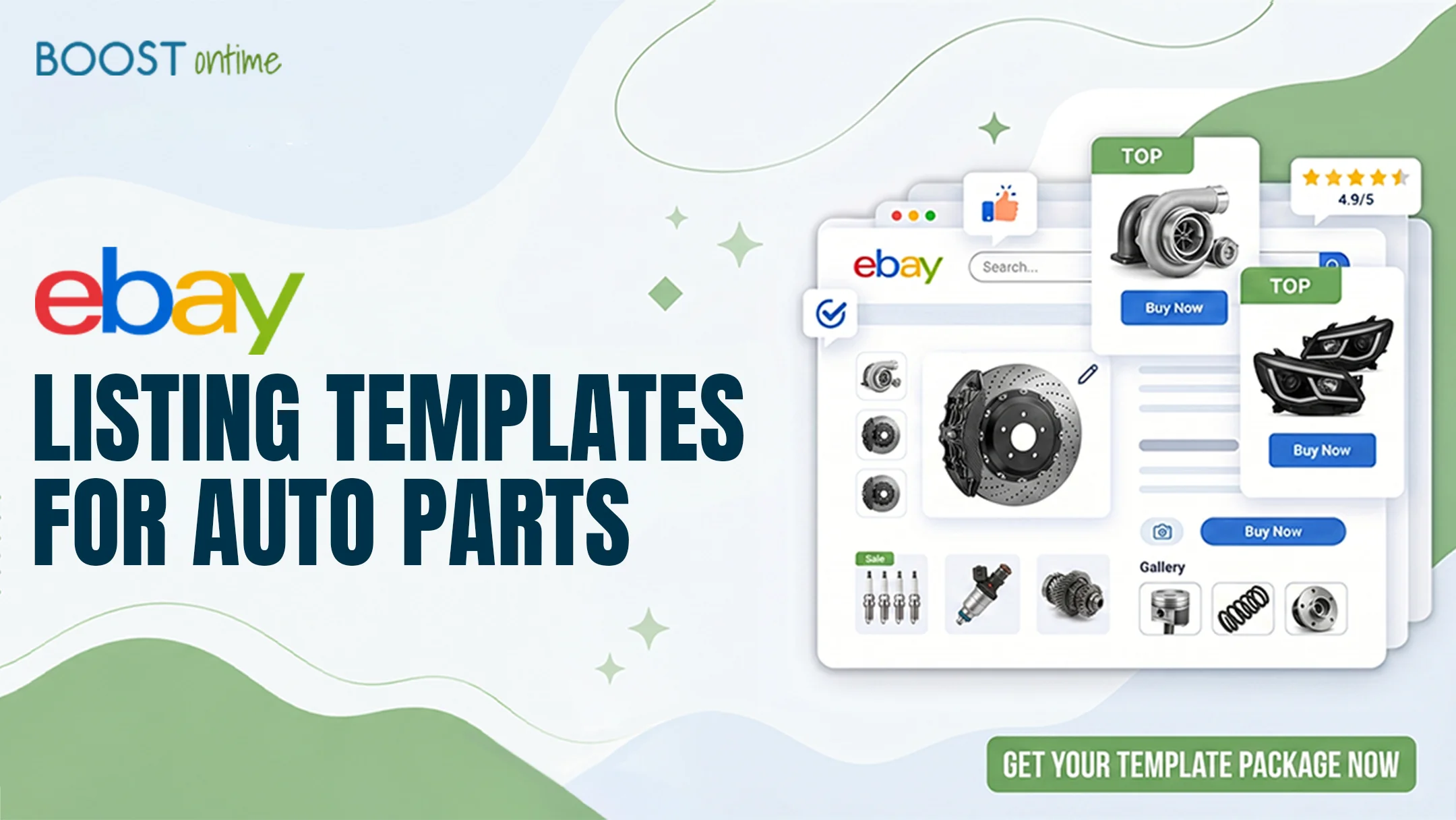
eBay listing templates for auto parts work differently from every other category. Buyers need accurate fitment, part numbers, and compatibility before they trust a purchase. This guide shows the exact template setup that turns parts browsers into confident buyers in 2026.
Why Auto Parts Listings Need a Specialized Template
An eBay listing template for auto parts has one job that templates in other categories do not. It has to answer a single question fast. Will this part fit my vehicle. Auto parts shoppers arrive with a year, make, and model already in mind, and they abandon any listing that leaves fitment unclear. A generic template built for clothing or home goods buries that answer, while a template designed for eBay Motors puts compatibility, part numbers, and condition right where buyers look first.
The stakes are higher here too. A wrong fit on a brake caliper or an alternator means a return, a negative review, and a hit to your seller metrics. Clear, structured listings reduce those returns because buyers self qualify before they buy. The right template does that work for you on every listing, so you spend less time answering messages and more time shipping orders.
💡 Key Takeaway: For auto parts, fitment is the conversion. A template that confirms compatibility above the fold sells more parts and triggers fewer returns than any amount of marketing copy below it.

Fitment First Layout
Year, make, and model details belong at the top, not buried in a spec table. A parts focused template surfaces compatibility before anything else.
Part Number Clarity
OEM, aftermarket, and interchange numbers give buyers a way to verify the exact part. A good template gives each one its own clearly labeled field.
Structured Spec Tables
Material, dimensions, placement, and warranty read far better in a clean table than a wall of text, especially on a small phone screen.
Trust and Returns
Warranty terms, return windows, and shipping speed reassure buyers spending real money on a part they cannot inspect in person.
What to Include in Your Auto Parts Listing Template
A strong auto parts eBay template is built from a few non negotiable sections, and each one removes a reason for the buyer to hesitate. Start with a compatibility block, then move to specifications, condition, part numbers, and finally your store policies. When these sections appear in the same order on every listing, repeat buyers learn where to look and check out faster.
Which sections matter most for eBay Motors?
The compatibility section carries the most weight. Pair it with the eBay parts compatibility tool, often called My Vehicles or the fitment finder, so the system can match your part to a buyer saved vehicle. Below that, a specifications table and a clear condition statement covering new, used, or remanufactured do most of the convincing. Photos of the actual part, including any casting or stamped part numbers, close the gap that stock images leave open. The same logic applies whether you sell brakes, lighting, or full assemblies, much like it does for electronics sellers who lean on specs.
How to Build Your Auto Parts Template Step by Step
You do not need to write code to get a parts ready template live. Here is the path most sellers follow with a builder like BoostOntime, an officially eBay compatible application.

Pick a clean theme
Start from a professional theme such as Cheesecake, Oceanic, or Crystalyst. A neutral, uncluttered base keeps the focus on fitment and specs rather than on decoration that distracts buyers.
Add a compatibility block
Place a clear fitment section near the top of the layout. State the vehicles the part fits and connect it to the eBay parts compatibility data so buyers can confirm the match against their own vehicle.
Build your spec table
Use a module to lay out material, dimensions, placement, OEM and interchange numbers, and warranty. Keep labels short so the table stays readable when it stacks on mobile.
Set policies and trust modules
Add return terms, shipping speed, and a short about the seller note. These trust signals lower message volume and cart abandonment on higher value parts.
Save and apply in batch
Save the layout as your reusable parts template, then use the Batch Revision Tool to apply it across your whole inventory at once instead of editing listings one by one.
Fitment and Compatibility Best Practices
Even the best template fails if the fitment data behind it is wrong. These habits keep your compatibility accurate and your returns low, and they are the difference between a reliable eBay listing template and one that quietly costs you sales.
- Use the eBay catalog and parts compatibility data instead of typing fitment by hand whenever possible.
- List every vehicle the part fits, including trim and engine where it matters, not just the make and model.
- Match OEM and interchange numbers exactly as they appear on the part and in your supplier data.
- State the condition plainly and note any wear, marks, or missing hardware for used parts.
- Photograph the real part and capture any stamped or printed numbers buyers use to verify fit.
- Review compatibility after any supplier change so updated part numbers never go live with old data.
💡 Key Takeaway: One accurate compatibility entry prevents far more returns than a dozen extra marketing sentences. Treat fitment data as the most important content in the whole listing.
Results Sellers Get With a Better Auto Parts Template
These are the patterns sellers tend to see after moving from a plain listing to a structured parts template. Treat them as direction rather than guarantees, since results vary by category, condition, and price point.

Time and Operations
Conversion and Returns
Frequently Asked Questions
Here are the questions auto parts sellers ask most often about building a listing template that converts.
An auto parts template should include a fitment or compatibility block, a structured specifications table, clear condition details, OEM and interchange part numbers, and your return and warranty policies. Putting compatibility near the top matters most, since buyers decide whether a part fits before they read anything else.
Yes. Fitment data is the single most important element in an auto parts listing. Linking your template to the eBay parts compatibility tool lets the system match your part to a buyer saved vehicle, which reduces returns and builds buyer confidence far more than extra description copy.
Yes. A drag and drop builder like BoostOntime lets you assemble a parts ready template from modules with no HTML knowledge. You add a compatibility block, a spec table, and policy sections, then save the layout and reuse it across every listing you create.
Free templates can work for a handful of listings, but most lack proper fitment blocks, mobile reliable layouts, and batch editing. For sellers with a growing parts catalog, a low cost builder usually pays for itself by saving hours and cutting returns from wrong fit purchases.
Who Should Use an Auto Parts Listing Template?
OEM and Aftermarket Sellers
Sellers moving genuine and aftermarket parts who need part numbers and fitment shown clearly on every single listing.
High Volume Parts Stores
Stores with hundreds or thousands of SKUs that need one consistent template applied in batch, not listing by listing.
Cross Border Motors Sellers
Sellers listing across multiple marketplaces who need a template that works across all 19 global eBay sites.
Side Hustle Flippers
Part time sellers parting out vehicles who want professional listings without spending their evenings on formatting.
Build an Auto Parts Template
That Sells the Fit
Assemble a fitment first listing template with drag and drop modules, then apply it across your whole parts catalog in a few clicks. No code, no design skills, and an officially eBay compatible build.
🚀 Start Your Free 7-Day Trial
No credit card required · Cancel anytime · Full platform access from day one