
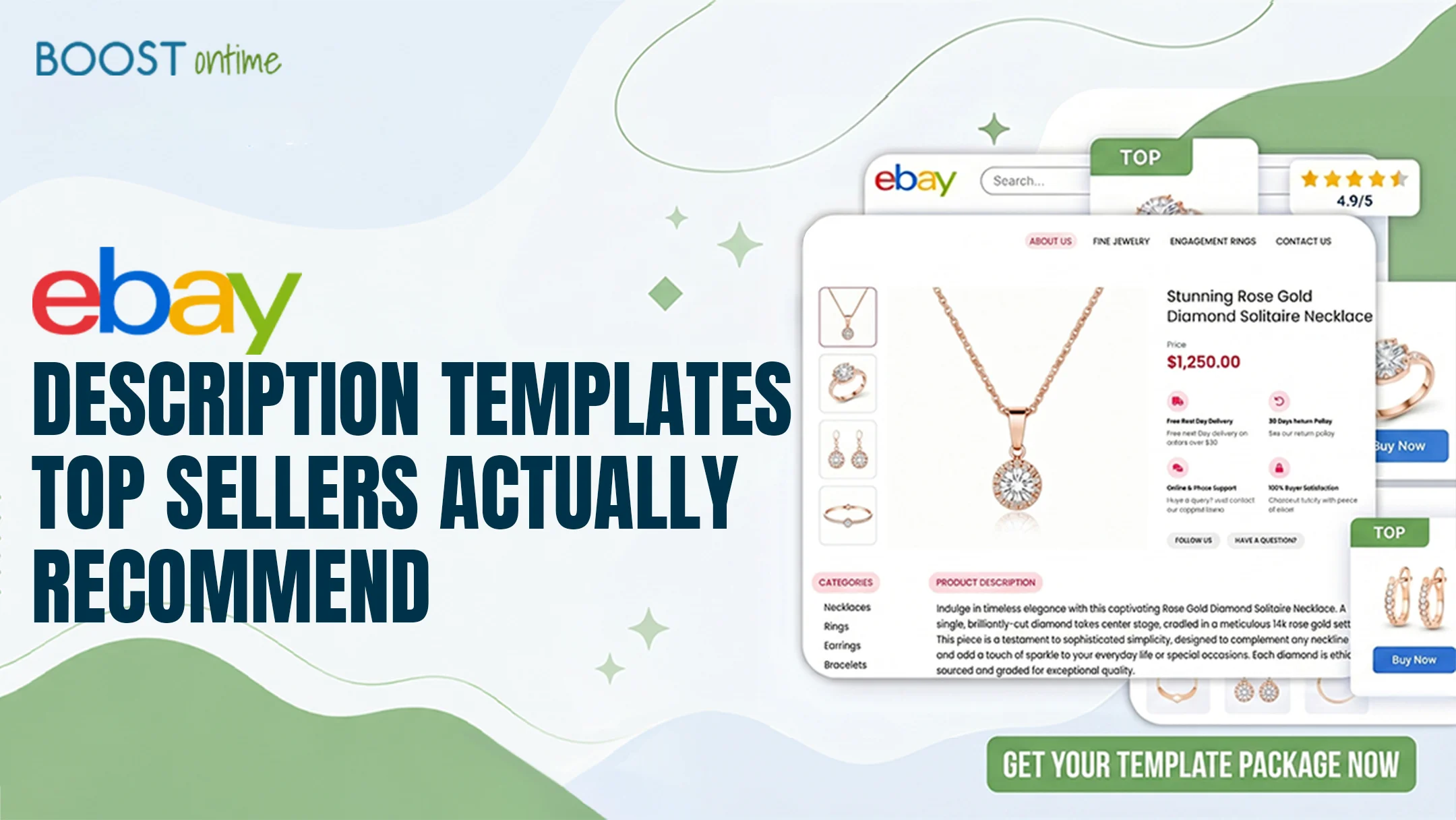
The best eBay product description templates aren’t random designs — top sellers follow a proven structure and a short list of trusted providers. This guide breaks down the exact framework, the must-have sections, and where to get templates that convert.
Why Top Sellers Swear by Structured Templates
The eBay product description templates that top sellers recommend share one thing in common: structure. With over a billion active listings competing for attention, a clean, organized template is no longer a nice-to-have — it’s how high performers separate themselves from sellers still posting a wall of unformatted text. When a buyer lands on a professional layout with clear sections and quality images, perceived risk drops and confidence rises, even when two listings offer the same product at the same price.
Experienced sellers and the agencies that manage thousands of listings consistently report the same pattern: well-organized templates with clear visual hierarchy outperform plain-text descriptions, often by a wide margin. The win isn’t decoration — it’s clarity. A structured template helps buyers find the condition, specs, shipping, and returns in seconds, which is exactly what shortens the path to checkout.
💡 Key Takeaway: Top sellers don’t recommend the prettiest template — they recommend the most scannable one. Structure, mobile readability, and trust signals matter more than visual flair.
Visual Hierarchy
Headings, spacing, and sections guide the eye so buyers process the most important details first instead of hunting through text.
Mobile-First
More than 60% of eBay buyers shop on phones, so top-recommended templates are responsive and readable on a 375px screen by default.
Trust Signals
Service badges, policies, and feedback sit in high-visibility zones to reassure skeptical buyers and lower perceived risk.
Policy Compliance
Recommended templates avoid JavaScript and Flash to stay within eBay’s Active Content Policy, protecting listings from takedowns.
The Inverted-Pyramid Framework They Follow
Ask experienced sellers how they structure a description and most describe the same approach: the inverted pyramid. You lead with the broad, high-impact information and narrow toward the details. It works for any product category because every listing ends up with the same three layers — benefits, features, and reassurance — arranged in the order buyers naturally evaluate them.
The three layers of a top-seller description
At the top sits your key message: the core benefit and value proposition that hooks interest. The middle layer holds scannable features and specifications for buyers who keep reading. The bottom layer covers the “nice to have” reassurance — shipping, returns, and policies — kept concise so it informs without overwhelming. This flow mirrors how buyers move from interest to decision to confidence.
The 250-character mobile summary
One detail top sellers flag as essential for 2026: a short, punchy summary near the top of the description. eBay surfaces roughly the first 250 characters on mobile, so the templates pros recommend put the strongest selling points there — guaranteeing your hook lands no matter how a buyer finds the listing.
Template Providers Top Sellers Recommend
When it comes to where those templates actually come from, sellers tend to name a short list. We compared the three most-recommended options on price, ease of use, and who they fit best — starting with the most popular pick for everyday sellers.
BoostOntime is the most-recommended affordable option, built around a conversion-focused framework so every listing flows from value to details to reassurance. It’s a certified eBay Compatible Application, ships fully mobile-responsive templates with the 250-character summary baked in, and applies your chosen design across many listings with one click — while cleaning out old, messy HTML automatically.
✓ What We Like
- eBay-certified compatible app
- 1-click bulk apply
- No contracts, low price
- Auto-imports listing data
✗ What’s Missing
- Focused on eBay only
- Not a bespoke design agency
Frooition has been in eBay design since 2005 and is widely cited as the eBay-certified design partner, with a Top Rated Seller package trusted by thousands of sellers. If you’re a larger brand that needs a fully bespoke, conversion-optimized design with cross-promotion built in — and have the budget for it — this is the premium end of the market.
✓ What We Like
- Fully custom design
- Deep eBay expertise
✗ What’s Missing
- Higher price point
- Overkill for small sellers
3Dsellers offers a sizable collection of high-converting templates created by experienced designers, plus an easy editor and the option to drop into custom HTML. Their templates adapt across mobile, desktop, and TV displays and are coded to stay compliant with eBay’s listing policies — a solid middle ground between DIY tools and full custom design.
✓ What We Like
- Large designer library
- Free editor to start
✗ What’s Missing
- Automation is paid
- More setup than 1-click tools
How to Apply a Top-Seller Template, Step by Step
Adopting the structure top sellers recommend is straightforward once you pick a template. Here’s the fastest path from a blank listing to a conversion-ready description.
Pick a template that fits your category
Choose a design suited to your products — electronics and auto parts lean on spec tables, while fashion leans on imagery. Match the layout to how your buyers evaluate the item.
Write the 250-character mobile hook first
Lead with your strongest selling point in the opening lines so it lands in eBay’s mobile summary. This is the single most impactful sentence in the whole description.
Fill the inverted pyramid
Add benefits up top, scannable feature bullets and a specs table in the middle, then concise shipping and return policies at the bottom. Keep policies short and current.
Activate 7–9 modules, not 15
Add a header, gallery, trust badges, feedback, and a related-products upsell — but avoid module overload, which clutters the layout and slows mobile load times.
Preview, then bulk apply
Check the design on mobile and desktop, then use a one-click bulk tool to push it across your listings so every product shares the same professional, on-brand look.
The Must-Have Modules (and What They Do)
Top sellers don’t activate every available module — they pick the handful that move the needle. These are the sections the most-recommended templates consistently include, and the job each one does.
Trust & conversion modules
Clarity & structure modules
Frequently Asked Questions
The questions sellers ask most about the templates top performers recommend.
Top sellers follow the inverted-pyramid structure: lead with benefits and the core value proposition, follow with scannable features and specifications, then close with reassurance details like shipping and returns. This mirrors how buyers evaluate a product and moves them toward checkout without hunting for information.
A 2026 template should include a branded header, an image gallery, a 250-character mobile summary, structured feature bullets, a full description, a specifications table, store policies for shipping and returns, social proof, and a related-products upsell. Most top sellers activate seven to nine modules rather than overloading the layout.
BoostOntime is the most popular affordable pick for everyday sellers, Frooition is the eBay-certified design partner favored by large brands, and 3Dsellers offers a large library of designer-made templates. The right choice depends on budget, catalog size, and how much custom branding you need.
Structured templates make key details easy to scan, signal a professional and trustworthy store, and stay readable on mobile, where most eBay buyers shop. Clearer information reduces buyer hesitation and abandoned carts, so organized listings consistently convert better than an unformatted wall of text.
Who Should Use a Top-Seller Template?
High-Volume Sellers
If you list dozens of items a week, a recommended template plus bulk apply keeps every listing consistent without manual formatting on each one.
Sellers Chasing Top-Rated Status
Professional presentation, clear policies, and trust signals support the buyer experience that helps you earn and keep Top Rated Seller standing.
Brand-Focused Stores
Consistent headers, colors, and layout across listings build recognition and repeat business, turning one-off buyers into loyal customers.
Mobile-Heavy Categories
If most of your buyers shop on phones, a responsive top-seller template with a strong mobile summary protects more than half your potential sales.
Get the Structure Top Sellers Use.
Without the Top-Seller Price Tag.
BoostOntime gives you conversion-focused, mobile-ready templates with the proven inverted-pyramid layout built in — applied across every listing with one click.
🚀 Start Your Free 7-Day Trial
No credit card required · Cancel anytime · Full platform access from day one